See if your building matches the plan. On site, on your phone or iPad.
DeltaARBIM overlays your BIM model onto the real structure, so you catch mistakes before they turn into rework. On iPhone, iPad, or Android, accurate to 2 cm.
Some teams call this BIM validation. Same idea, done on the real structure.
Free demo on your own model. No fixed tiers. INR billing for Indian teams.

- Model vs reality
- Off-plan work caught
- Accurate to 2 cm
±2 cm
Accuracy on site
Under 60s
IFC to AR
Offline
No signal needed
IFC
Open standard, no export
The building rarely matches the drawing.
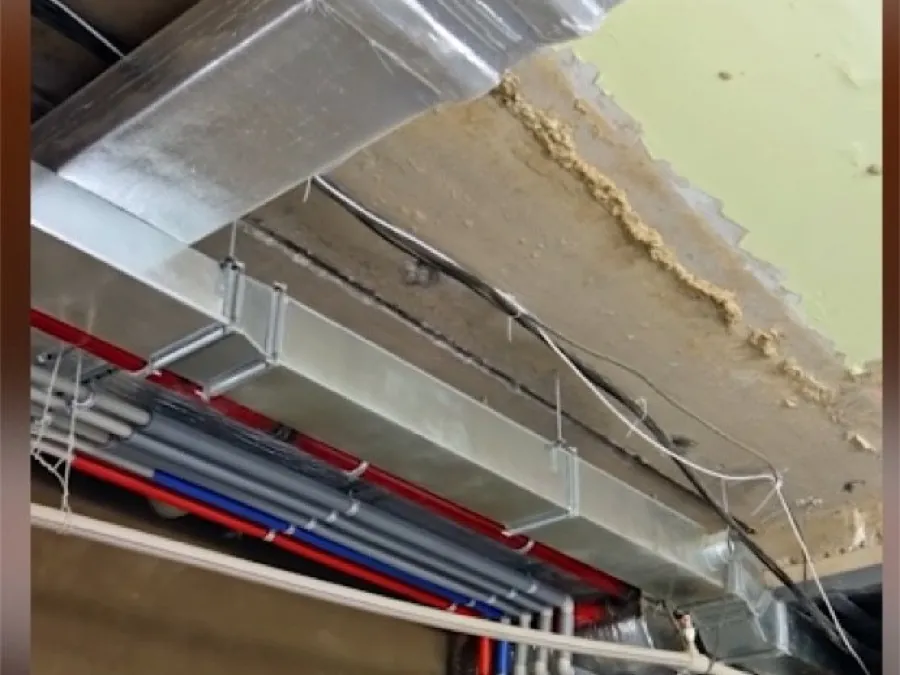
Six photographs from real jobs. Every one of them was signed off.
This is what as-built work looks like when nobody checks it against the model. On-site BIM validation catches these deviations while they are still cheap, not after handover.
 01
01Duct fouls the beam  02
02Set out off the grid  03
03Lines run uncoordinated  04
04Conduit off the route  05
05Wall opened after building  06
06Formwork off the layout
Cheap to fix while you can still see it. DeltaARBIM runs on-site BIM validation, checking the as-built against your IFC model, so you catch the clash before it gets buried and turns into rework.
On-site BIM validation, from your model to the wall.
One wall, start to finish. Scroll through it.
Watch one wall go from model to reality. DeltaARBIM loads your IFC model, anchors it to the floor with LiDAR, and shows the as-built against the design to within 2 cm. On-site BIM validation, in the time it takes to walk the wall.


02/09
On site
The drawing says one thing. The wall says another.


Step 1 of 4
Open the model.
Step 2 of 4
Scan the corner.
Step 3 of 4
Drop the pin.
Step 4 of 4
Compare.
Now you can see it.
Switch off every trade but the one you are checking.

What each layer tells you.
Found something?
Flag it where you are standing. The issue reaches the office tagged to its exact place in the model, so nobody has to work out later which wall you meant.
Every screen, start to finish.
Seven screens, from your IFC file to a checked wall. LiDAR anchors the model to the structure, and the whole thing runs on the iPad or phone your team already carries.
Every screen, start to finish
Screen 1 of 6Open the IFC
No markers. No QR codes. Works offline.
See it on your own modelOne beam, framed the wrong way round.
Floor 3, grid C4 to C5. The model says the beam spans north to south. The steel on the floor spans east to west.
One deviation, and the only question is whether on-site BIM validation catches it now or you pay for the rework later.
- 428
- Elements checked on the floor
- 1
- Deviation found
- 6
- Minutes to find it
Nothing has gone wrong yet. At this moment it is a drawing problem.
Corrected on the walk
One crew, one lift, and a revised connection detail, while the floor is still open.
- ₹1,80,000
- Cost to correct
- 2
- Days added
- 1
- Trades affected
Corrected after the floor closes
If QA/QC or the site manager does not check the as-built against the model, the slab pours, the services run, the ceiling goes up over it, and the fix becomes rework.
- ₹24,00,000
- Cost to correct
- 26
- Days added
- 5
- Trades affected
Same beam, same 90 degrees, 13 times the cost on these figures, because the fix is now rework: everything built on top of it has to come off first. Then delay damages of ₹13,00,000 are calculated per day against the contract sum and land on top, taking the exposure to ₹37,00,000.
On-site BIM validation catches it on the walk
Your IFC model, anchored to the floor with LiDAR and drawn over the real structure to within 2 cm. The deviation is on screen while the crane is still on site.
What you save
- ₹35,20,000
- Exposure avoided
- 24
- Days protected
- 6 min
- Time to check the floor
The saving is the difference between the two columns above, not a separate claim.
An illustrative example. Figures vary by project.
Run it on your own modelCut rework by catching the expensive mistakes while they are still cheap to fix.
On-site BIM validation turns clash detection, as-built checks, and QA/QC into a single walk of the floor.
Catch clashes before the concrete
Find conflicts on site while the fix still costs hundreds, not thousands.
Verify before the next trade builds on top
Quality control on site: confirm the work matches the model before it gets covered for good.
Stop reopening finished ceilings
Know what sits behind the wall without breaking it later.
Protect your handover date
Fewer surprises at the end means fewer delays and disputes.
Log it on the spot
The office gets the exact spot in the model, not a description, so nobody walks the floor again working out which wall you meant.
Hand over a building that matches its drawings
Give facilities as-built accuracy you can validate and trust for years.
A mistake caught in the model costs hundreds. The same mistake found after handover has cost projects millions.
Offline, on iPad Pro, iPhone, and Android, accurate to 2 cm.
BIM validation for teams who cannot afford to get it wrong.
01/06
Construction and Real Estate
Catch off-plan work before it is buried. On-site BIM validation for construction and real estate.
Rework can consume around 5 to 9 percent of a project's cost. Catch off-plan work before it is buried with on-site BIM validation for construction and real estate.
Industry estimates
See construction →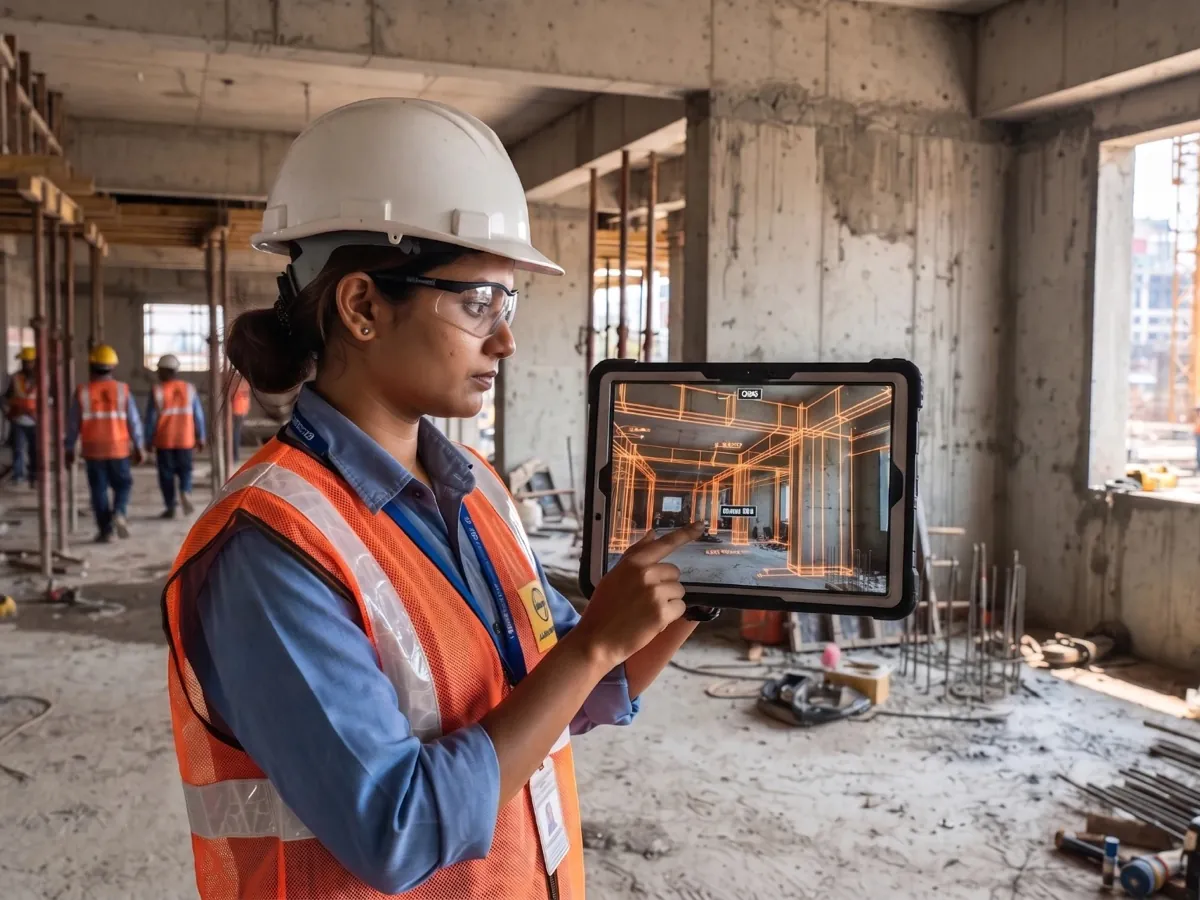
Data Centres
Data centre BIM validation, so what is installed matches the model before fit-out closes.
In a data centre, downtime runs into thousands of dollars a minute, so one missed clash is expensive. Data centre BIM validation confirms what is installed matches the model before fit-out closes.
Industry estimates
See data centres →
Defence
Defence BIM validation, offline and on site, with no signal needed.
On a defence site a few centimetres can compromise a structure, and there is often no signal to work with. Defence BIM validation runs fully offline, so accuracy never depends on connectivity.
See defence →
Healthcare
Healthcare BIM validation: rated walls, medical gas and HVAC checked against the model before they are boarded.
An outlet in the wrong place or a rated wall built wrong is a clinical problem, not a snag, and confirming one after boarding means opening finished work back up. DeltaARBIM has been used on a hospital build.
See healthcare →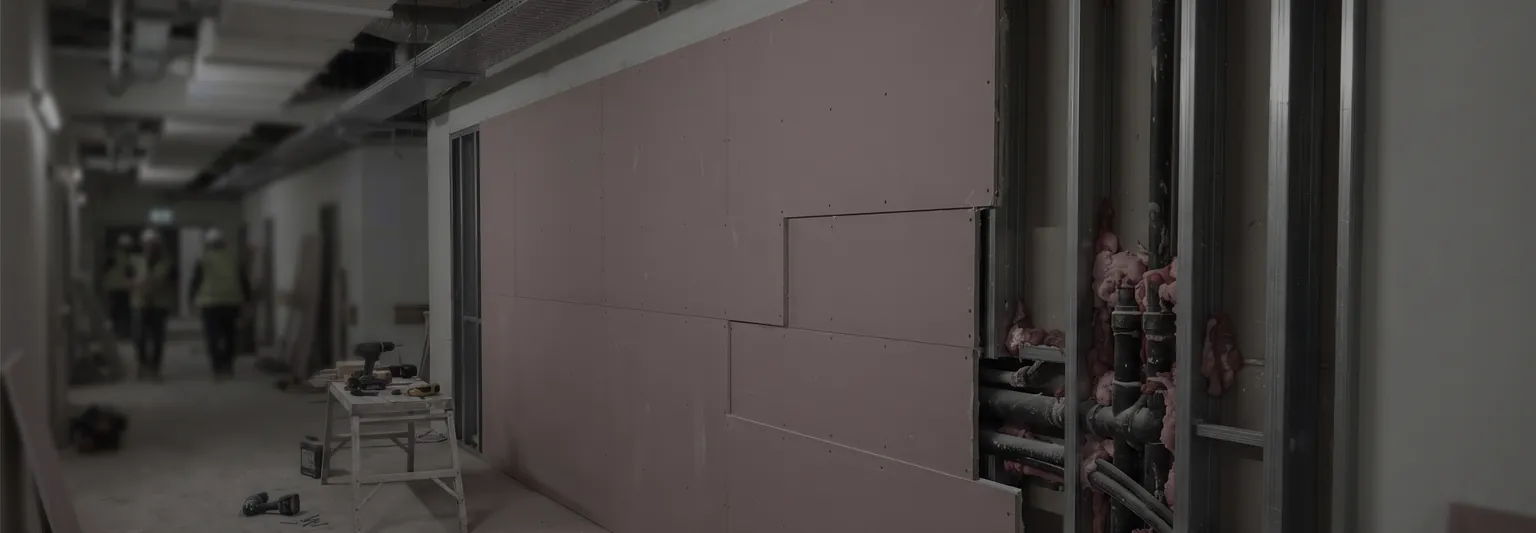
Plants and Manufacturing
Industrial BIM validation: process piping, equipment foundations and structure checked before commissioning.
A pipe run set a few centimetres out takes the space the next trade needed, and a foundation cast off the model is not adjustable later. Industrial BIM validation catches both before commissioning, on site and offline.
See manufacturing →
BIM and AEC teams
BIM validation for BIM managers and architects, from IFC to the real structure.
A clash fixed in the model can cost a fraction of the same clash fixed on site. BIM validation adds a QA/QC layer that protects margins and your reputation on every handover.
See BIM teams →
Proven on real sites, and built around you.
DeltaARBIM is built by an Indian team that has run BIM validation and verification on three job sites: two commercial complexes and a hospital.
3real sites
Two commercial complexes and a hospital. Real jobs, not demos.
2cm
Accuracy between your model and the real structure.
Freedemo
Run on your own model, so you can check the accuracy before you commit.
- Proven on
- Commercial complexCommercial complexHospital
- Built for
- ConstructionHealthcareData centresDefenceInfrastructure
- Construction methods
- PrecastConventional
- 01
Built around your workflow
100% customizable. We build what your team needs, not a fixed feature list.
- 02
For the long term
A partner for teams that plan years ahead, not a one-off tool.
- 03
No markers, no QR codes
LiDAR anchors the model to the real structure. Just walk in and check.
- 04
Yours to run
Offline on site, IFC native, self-hosted option, and INR billing.
DeltaARBIM is in early access, and we take on a limited number of teams.
We work closely with each team we bring on, so we add them a few at a time rather than all at once.
Ask for a placeLocked-in pricing
The price you start on is the price you keep as the product grows.
Onboarding from the people who built it
Set up on your own model with the team, not a help page.
Your problems go on the roadmap
What you hit on site shapes what gets built next.
Priced around your project, not fixed tiers.
We look at your team size, project scope, and budget, then build a plan that fits.
- Starts with a free demo on your own model.
- No per-scan or per-seat traps.
- INR billing for Indian teams.
Questions builders actually ask.
What does DeltaARBIM actually do?
DeltaARBIM overlays your BIM model onto the real structure on site, so you can see where the build matches the plan and where it does not. Some teams call this BIM verification or BIM validation.
What devices do I need?
An iPad Pro, iPhone, or Android device. DeltaARBIM uses the camera and LiDAR where available. No headset, no special hardware. It runs fully offline, with no signal on site and no markers or QR codes to print.
How accurate is it?
DeltaARBIM anchors the model to the real structure and stays accurate to about 2 cm, which is what makes as-built BIM validation against the model reliable.
Is our project data safe?
Yes. You can run DeltaARBIM self-hosted, so your model and project data stay inside your own environment.
Bring your model. We will show you what does not match.
- Global availability
- Remote demos worldwide
- On-site visits available on request, on any plan. Client covers travel and accommodation.